Best Timing App Alternatives in 2026
Most "alternatives" posts start by explaining why the incumbent is bad. That would be dishonest here.
Timing is one of the best automatic time trackers on the Mac. It has been at it longer than most of this category has existed, it stores your data locally with sync as an option rather than a requirement, its trial is a genuinely generous 30 days with no card, and it does one thing nothing else does: it pulls iPhone and iPad usage from Apple Screen Time into the same timeline.
People still leave it, and almost always for one of three specific reasons. Which one is yours determines where you should go.
Reason 1: the keyword rules
This is the big one.
In Timing, projects are assigned largely through keyword and rule associations you configure. Get them right and your week files itself. The problem is structural rather than a bug:
When several projects live in the same few apps, rules cannot separate them. If most of your work happens in your editor, your browser and your terminal, then "VS Code" is not a project and no rule built on it can be. You end up reassigning entries by hand, and the amount of reassignment scales with how concentrated your tool usage is.
When one keyword belongs to several projects, it gets filed wrong. Users report exactly this. There is no rule that fixes it, because the information needed to decide is not in the string being matched.
Where to go: Cronus
Price: $6/mo after a 21-day trial
Cronus reads the app, window title and browser URL and uses an AI model to infer what the activity was in service of, judged against goals you set once. There is no ruleset, so there is nothing to reassign when your work changes shape.
The concrete difference: you tell it you are shipping a migration this week. The same editor, terminal and three documentation sites get read against that. Next week you are writing a proposal, and the same tools resolve differently, with nothing reconfigured.

The honest trade: Timing's rules are inspectable and deterministic, so you can always read why something was filed somewhere. Ours are a model's judgment, so when it is wrong you correct it rather than debug it. And we send redacted metadata to our servers, where Timing keeps things local. Full detail in Cronus vs Timing.
Reason 2: the price, or the Mac-only limit
Timing runs from around $10/mo for one Mac up to $168/yr on Connect, and it is macOS only. If you have a Windows machine in the mix, it is not an option at all.
Where to go: RescueTime
Price: Focus $7/mo annual, Solo+ $12/mo annual. Free Lite tier.
Cheaper, cross-platform, mobile apps, and a free tier that persists. Eighteen years of operating history.
The trade is that its categorization is shallower: broad category scoring rather than Timing's project filing, and the reports are famously hard to turn into a decision. You are swapping a configuration burden for a "so what do I do now" problem. More in Best RescueTime Alternatives.
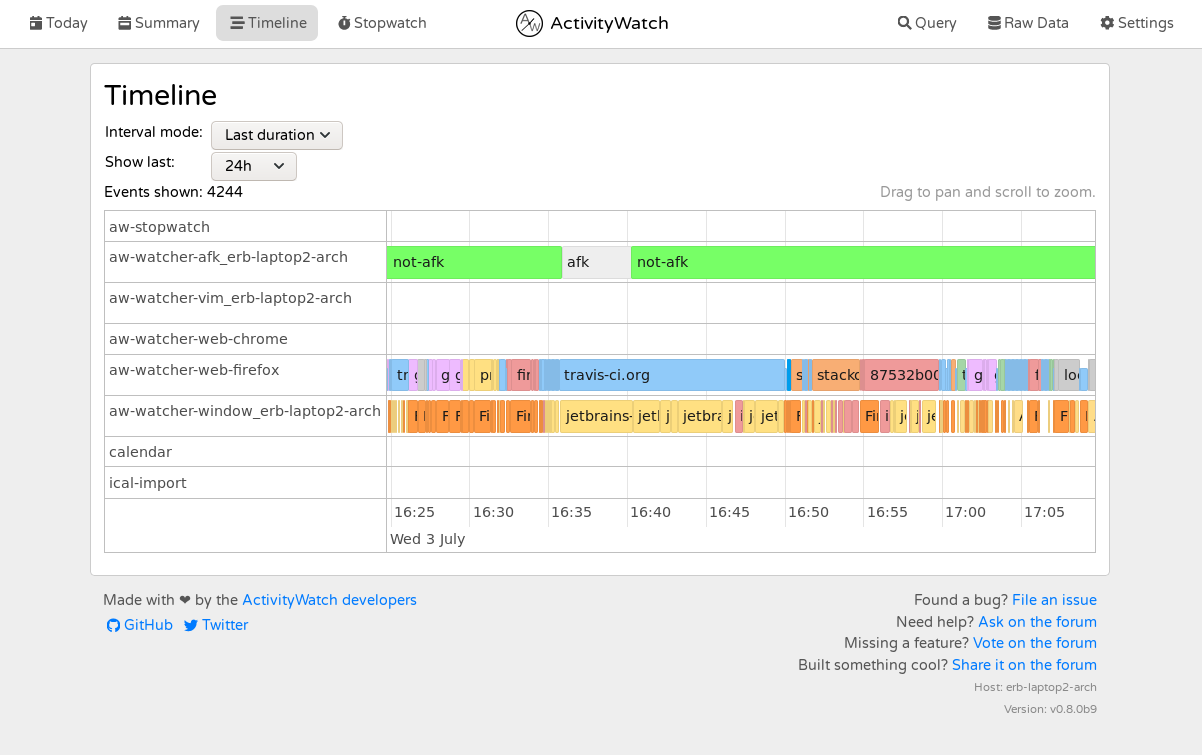
Or: ActivityWatch
Price: free, open-source
If the objection is paying at all, ActivityWatch is free forever, fully local and cross-platform. It records less usefully than Timing and interprets nothing, so you are taking on the analysis yourself. Right answer if you want ownership above convenience.
Reason 3: you actually needed billing
Some people buy Timing for invoicing and find its team support intentionally limited: a Timing Sync account and Connect plan, with only aggregate time against shared projects.
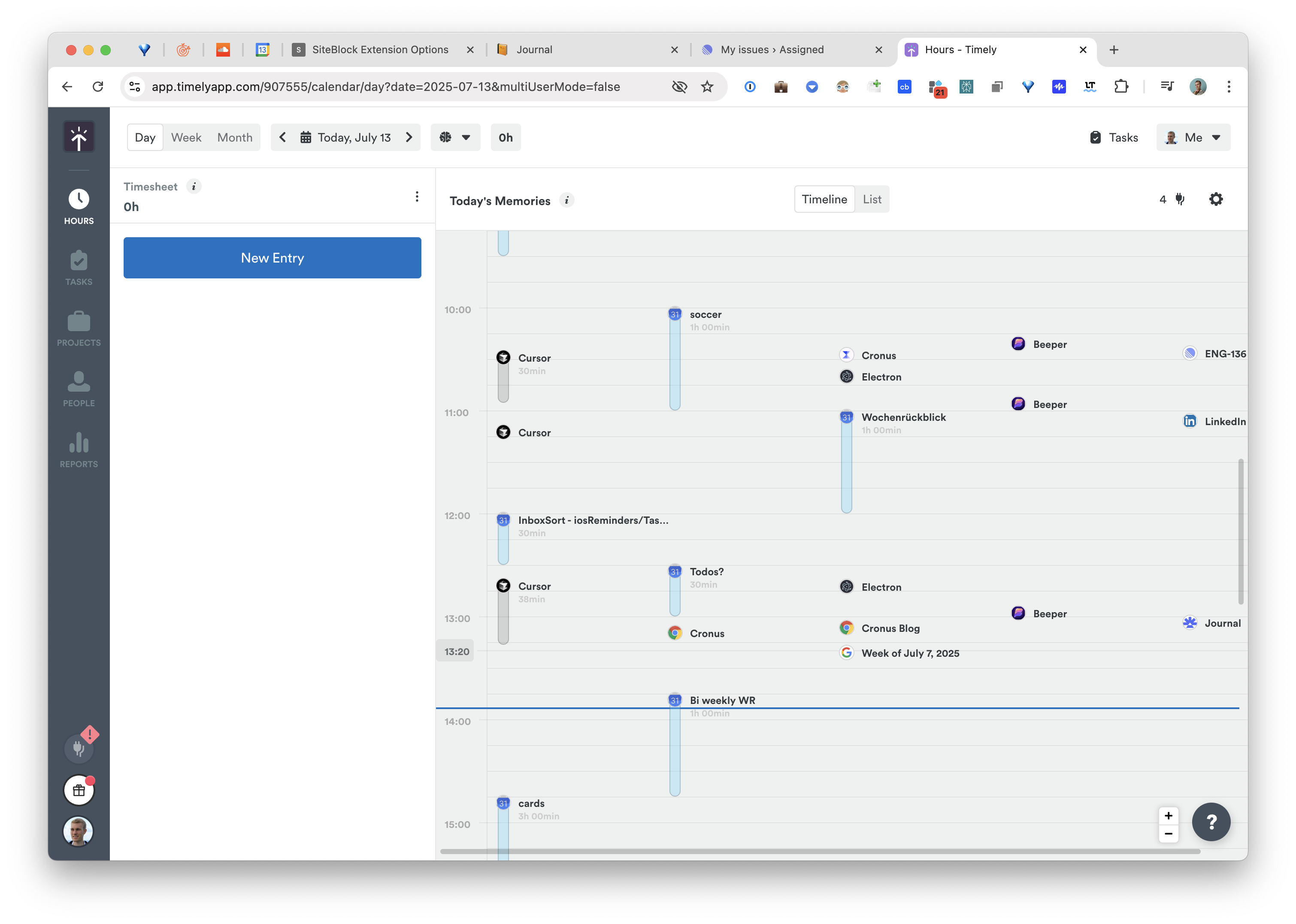
Where to go: Timely
Price: from ~$11 per user per month
Purpose-built for it. Memory records in the background, AI drafts timesheet entries, you approve them, they become invoices. The approval step that irritates individuals is exactly what you want when the output is a client bill.
Or: Rize Pro
Price: $28.99/mo
Scheduled client reports in PDF and CSV, an efficiency dashboard, an API, webhooks. Considerably busier as a product, and metered by AI credits. See Best Rize.io Alternatives.
Comparison
| Price | Categorization | Data location | Platforms | |
|---|---|---|---|---|
| Timing | ~$10/mo and up | Keyword rules you maintain | Local, sync optional | macOS only |
| Cronus | $6/mo | AI, goal-aware, nothing to maintain | Redacted metadata to server | macOS, Windows in progress |
| RescueTime | $7–$15/mo | Category scoring | Server | Mac, Windows, Linux, mobile |
| ActivityWatch | Free | None, raw events | Local | Mac, Windows, Linux |
| Timely | ~$11/user/mo | AI drafts, you approve | Server | macOS, web |
| Rize | $12.99–$49.99/mo | Rule-assisted | Server | macOS, Windows |
What you would give up by leaving
Worth being explicit, because two of these have no replacement.
Apple Screen Time integration. Nothing else on the Mac pulls your iPhone and iPad hours into the timeline. If that is why you installed Timing, no alternative here replaces it, including us.
Local-first storage. Cronus, RescueTime, Timely and Rize all send data to a server. Only ActivityWatch and Memtime keep everything on device, and both interpret nothing.
The 30-day trial. Timing gives you a month to decide. Most alternatives, ours included, give you far less.
The short version
- Tired of maintaining rules and reassigning entries? Cronus. That specific problem is the one it exists to remove.
- Want cheaper, or need Windows? RescueTime.
- Object to paying at all? ActivityWatch, and accept doing the analysis.
- You actually needed invoicing? Timely, or Rize Pro.
- You want your phone and tablet hours counted? Stay on Timing. Genuinely.
Try Cronus, 21 days free, then $6 a month. There are no rules to port, because there are no rules.
