Updated August 2026
Toggl alternative, for people who forget to start the timer
Is Toggl Track free?
How much does Toggl Track cost?
Does Toggl track time automatically?
What Toggl does better than us
The reporting is strong, the integrations are everywhere, the apps are fast, and the free plan is the best in the category by a distance. If you bill clients by the hour, Toggl produces an invoice you can defend in a way no automatic tracker will.
It also runs on Windows, Linux, mobile and the web. Cronus is macOS today.
If you reliably press start, Toggl is a better product than ours and you should keep it.
The one problem
Starting a timer is an administrative task about a context switch, performed during the context switch, which is exactly when you have least to spare.
And it fails in a way that hides itself. You do not end up with a blank timesheet, which would at least be honest. You end up with a plausible-looking one missing the chaotic hours, because those are the ones you forgot to log. The tool then quietly reports a calmer, more focused week than you actually had.
That bias is worse than no data, because it looks like data.
Toggl versus Cronus
| Toggl | Cronus | |
|---|---|---|
| Price | Free plan, then $9–$18 per user/mo | $6 a month |
| Requires an action from you | Yes, start and stop | No |
| Automatic tracking | Activity block, after the fact | Yes, continuous |
| Interprets what time meant | No, you label it | Yes, against your goals |
| Invoicing and billing | Strong | None |
| Free tier | Yes, generous | No, 21-day trial |
| Platforms | Web, Mac, Windows, Linux, mobile | macOS, Windows in progress |
The difference that decides it
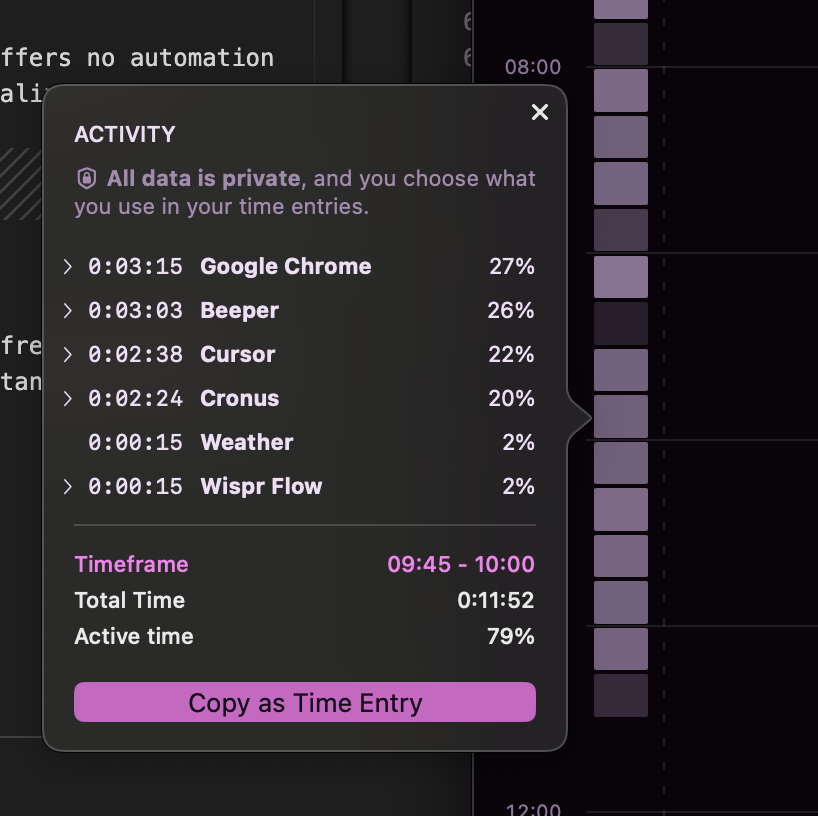
Toggl records what you tell it. Cronus records what happened.
There is no timer in Cronus. It reads the app and window you are in, works out what the activity was in service of against goals you set once, and keeps the record. Which means the chaotic hours show up instead of quietly disappearing, and a terrible week produces a complete record rather than a gap. For most people, that first honest bad week is the only genuinely new information they have ever had about their time.

Which to pick
Stay with Toggl if you bill clients by the hour, need a free tier, need Windows or mobile, or your forgetting is only occasional. Turn on the activity block and Autotracker before switching anything.
Try Cronus once you have concluded, honestly, that you are not going to become someone who presses the button. That is not a failure of will. It is a fact about you that is cheaper to design around than to fight.
21 days free, then $6 a month
The trial only counts days you actually use the app. Cronus never captures your screen.
Longer write-ups: the long version, with every alternative compared, the 2026 roundup.